Give Kunsten an art visit
At Kunsten, use the current exhibition list to choose what interests you. Notice the museum building as well as the works. Check opening and access arrangements before arriving.
Mobile data for your trip. Check what your current plan includes for roaming. If you need another option for maps, messages and booking details, compare NXTL eSIM coverage and rates. Check that your phone supports eSIM and is unlocked, and check coverage for every stop. Download important maps and confirmations for offline use too.
Use the park for a pause
Kildeparken makes a useful outdoor break between the centre and art outing. Keep to available paths and adjust the loop for rain, frost or tired legs. A shorter park pause works better than adding distance just to complete a checklist.
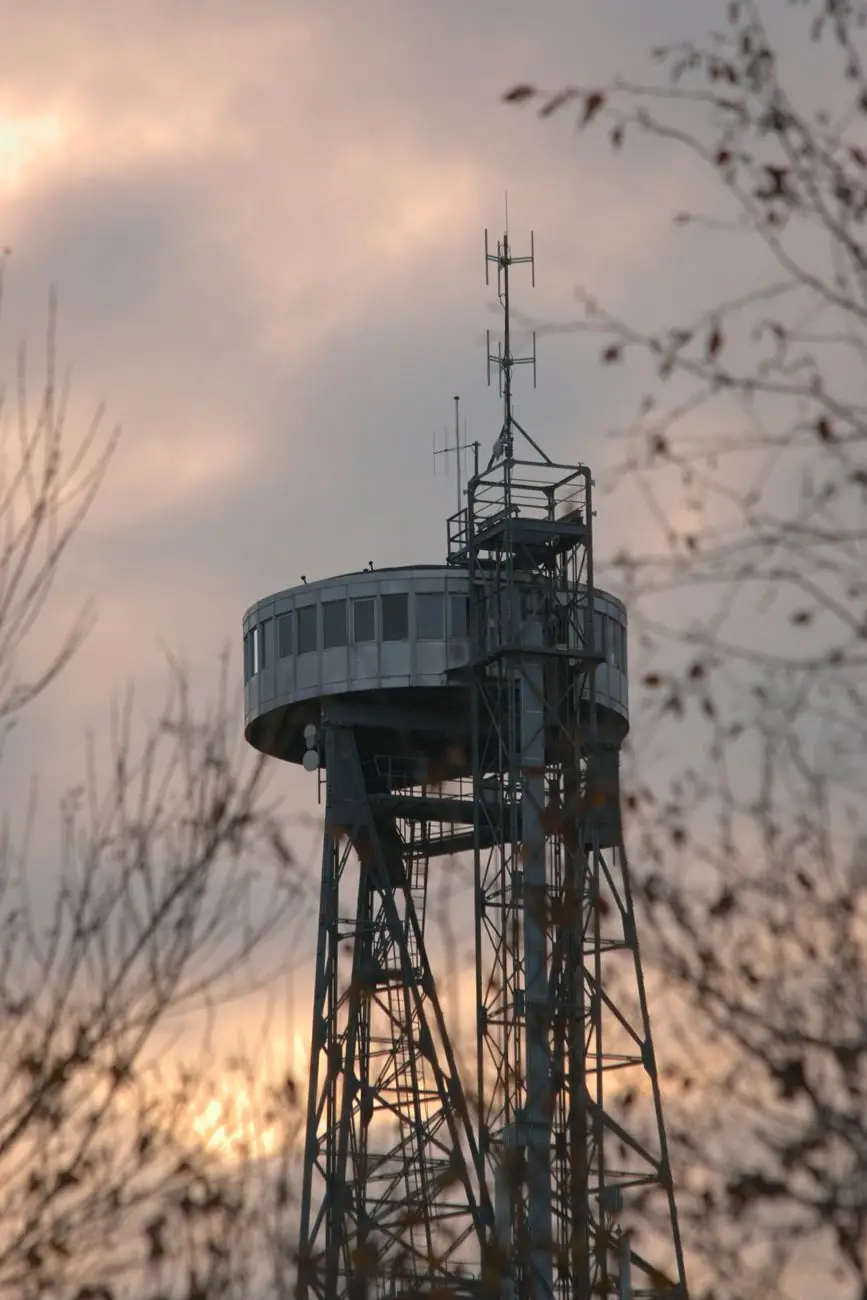
Make the tower optional
Aalborg Tower operates to its own seasonal calendar. At our 9 October 2026 review, the operator listed the 2026 season; check the exact date and operating conditions before depending on the viewpoint. Packtricia will recheck seasonal access, and readers should always confirm before travelling.
Keep a weather alternative
If the tower is closed or the view is poor, give Kunsten longer and return through the park or by local transport.
Notice the museum architecture
Look for the way Alvar Aalto’s building brings daylight into the art spaces. That gives the visit a clear second interest even if the current exhibition is unfamiliar. Keep the tower decision for afterwards, when you can judge the weather.
Check before you go
Opening arrangements and visitor rules can change. Check the official information before your trip.